
How a POS terminal card batch is released: transaction-pattern write, repeated power-cut recovery, thermal behaviour inside the kiosk, and a wear budget calculated from the terminal’s real write volume.
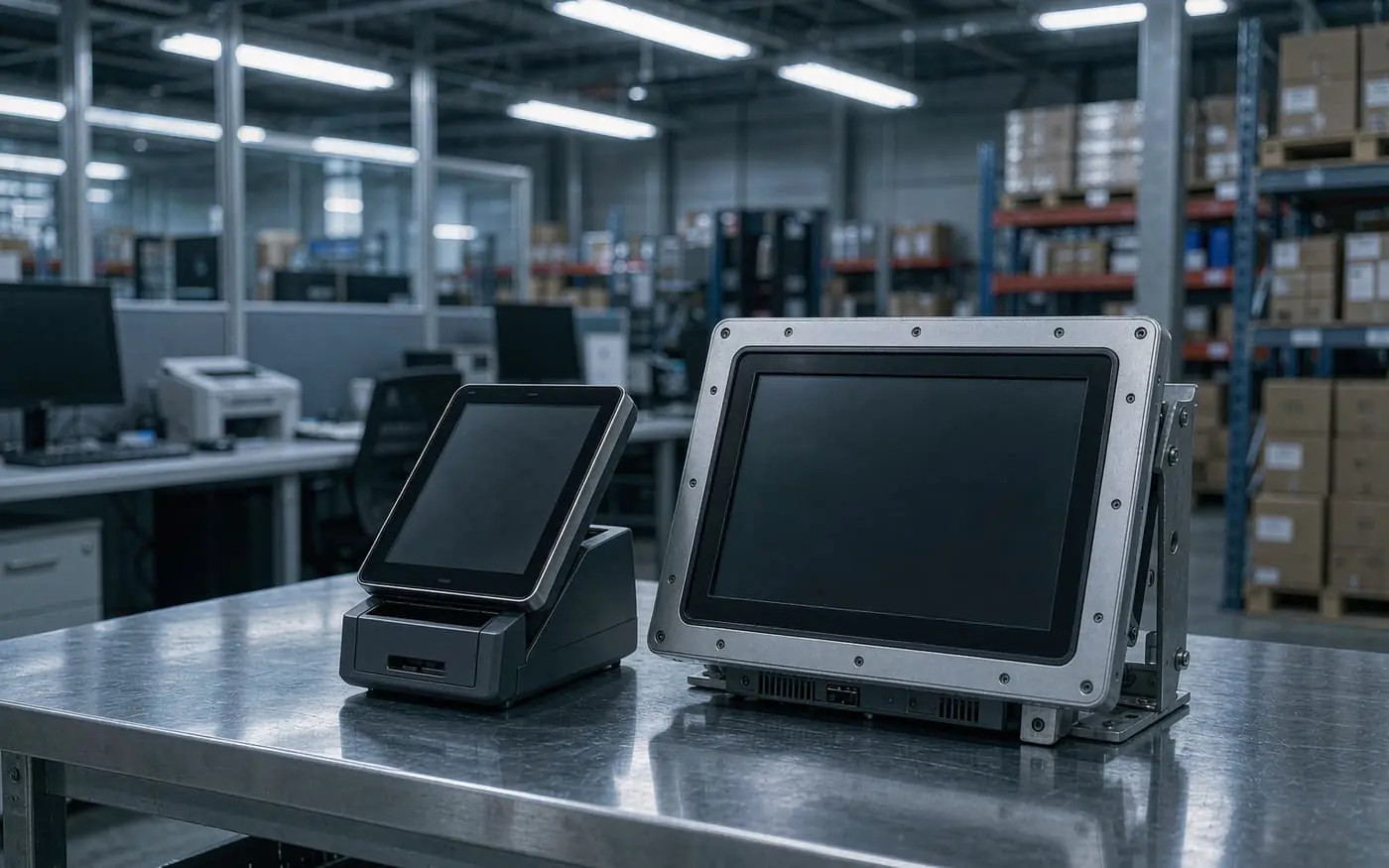
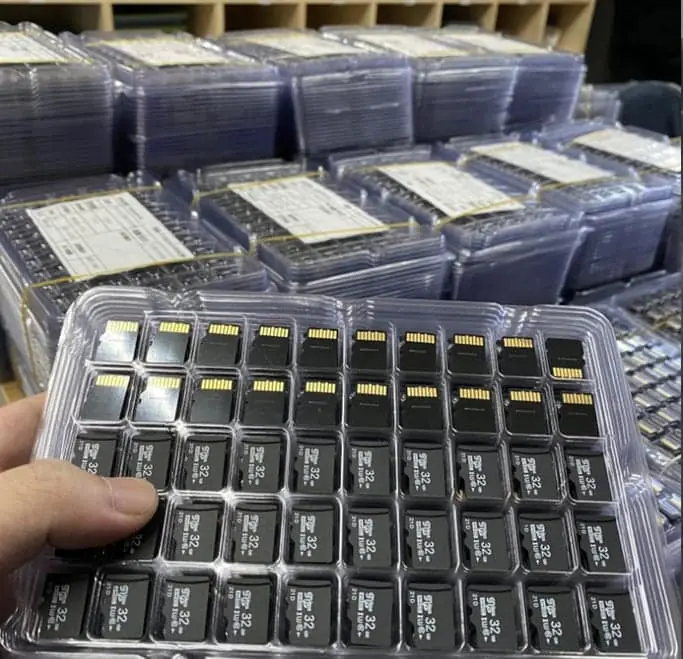
A terminal card does almost nothing all day. Then a queue forms at lunchtime. Thirty transactions land in ninety seconds. The power is cut at closing time by whoever locks up. That cycle, repeated for years, is the actual workload — not the capacity printed on the label.
The short answer
Four gates decide whether a POS batch is released:
- Small-file random write under a queue, not sequential benchmark speed.
- Repeated power-cut recovery at the terminal, not at a desk.
- Thermal behaviour inside the kiosk, because the enclosure is not ventilated.
- A wear budget from the terminal’s real write volume, not from an endurance marketing word.
The power-cut gate is the one that costs money. A card that corrupts a transaction log costs more than the card. It does it quietly for weeks before anyone notices.
The four gates
| Gate | What is checked | Pass criterion | What it catches |
|---|---|---|---|
| 1. Transaction write | A queue of small writes at the terminal’s real rate, sustained for hours | No write stall, no visible latency spike at the host | Cards that benchmark well on sequential and stall on 4 KB writes |
| 2. Power-cut recovery | Power removed mid-transaction, 200+ times, at random points | Terminal boots, log mounts, last committed record intact | Controllers with no power-fail strategy |
| 3. Kiosk thermal | Write loop inside the actual enclosure, at the top of its summer range | Rate holds; no card dropout | Throttling that only appears in a sealed cabinet |
| 4. Wear budget | Write volume per terminal per day, multiplied by service life, against the card’s endurance basis | Endurance basis in writing, with margin | A card that dies inside the warranty period |
Gate 2 is not optional on a terminal. Unlike a camera, the terminal’s job is to have already written the transaction down.
What to write into the specification
| Decision | The trap if you leave it vague | What goes on the purchase order |
|---|---|---|
| Capacity | 4 GB specified for a log that grows forever, card fills in a year | Capacity sized from measured log growth over five years |
| File system | exFAT chosen, the terminal firmware only mounts FAT32 | File system as shipped, tested on the terminal’s firmware |
| Write pattern | Speed class chosen from a sequential benchmark, terminal writes 4 KB records | The class the host needs, plus the power-fail behaviour in writing |
| Endurance | “Industrial grade” with nothing behind it | Endurance basis and rated write volume |
| Controller and die | Same part number, different internals, different behaviour at power loss | Controller and NAND locked, substitution needs re-approval |
| Test scope | Sample formatted and file-copied, then shipped | Queue test, power-cut loop, thermal soak, terminal firmware in the loop |
Five ways a terminal card fails
The log comes back corrupt. The most expensive failure, because it is discovered during a dispute rather than at boot. It starts as an occasional missing record.
Queues stall at lunch. Sequential speed is fine; small random writes are not. The host retries, the queue grows, the customer waits.
The kiosk cooks the card. A sealed enclosure in a sunny location runs far above room temperature. The card throttles and eventually drops off the bus.
Wear from tiny writes. A transaction log rewrites the same region constantly. Wear levels matter more than headline capacity, and they are not visible on a datasheet.
The card fills up. Nothing in the terminal expects it. Behaviour when full depends on firmware nobody specified.
The quiet part
Power-cut damage is rarely a dead card. It is a card that still mounts, still reports its capacity, and quietly loses the tail of the last write. On a terminal that is a record that never existed, which surfaces weeks later when someone reconciles.
That is why we test with the cut, repeatedly, rather than trusting a controller datasheet. A card that survives 200 cuts tells you something a benchmark cannot.
If the terminal writes continuously and the media never needs to leave the unit, a soldered UDP module removes the socket and the power-fail question becomes a firmware design decision rather than a card lottery.
What we supply
For terminal work the relevant starting point is the monitoring-grade microSD specification, which states the test method alongside the dimensions. The custom memory card range covers capacity, marking and packing, and the TF card specification template is the document to complete before asking for a price.
MOQ is 50 pieces per design, so a pilot across one store is a normal order rather than an exception.
Where to go next
- microSD power-loss corruption: what protects field data — the mechanism behind gate 2.
- Write and read-back versus a reader check — why a quick format proves nothing.
- Industrial HMI cards: temperature and brown-out — the sibling workload.
- How long a custom microSD order takes — for a rollout schedule.
Sources
- SD Association — SD Specifications (Part 1 Physical Layer, Part 2 File System)
- SD Association — Application Performance Class (A1/A2)
- Microsoft Learn — FAT32 and exFAT file system documentation
- Microsoft Support — Default cluster size for NTFS, FAT, and exFAT
- Linux kernel documentation — MMC/SD subsystem
- JEDEC — JESD84 (eMMC) and JESD220 (UFS) standards index
Frequently asked questions
Is a microSD card acceptable as the primary storage in a POS terminal?
It is acceptable as removable or secondary storage for logs, firmware updates, and receipt spool files. It is a poor choice as the only copy of transaction data, because the card is removable, subject to power-loss corruption, and has no wear-levelling telemetry the host can read. Treat it as replaceable media, not as a database.
Which capacity band should I specify?
Most POS and self-service firmware images plus logs fit in 8 GB to 32 GB. Go to 64 GB only when the terminal writes image or video evidence, and only if the host kernel and bootloader have been tested with exFAT. Above 64 GB the failure modes multiply faster than the benefit.
Does an A1 or A2 rating matter for a POS terminal?
Only if your application does small random reads and writes — a SQLite-backed queue, a log file, or a thumbnail cache. Sequential writes from a receipt spool or a firmware image do not benefit. A1/A2 is a floor, not a guarantee, and it does not describe behaviour after a power cut.
What should I lock in the BOM?
Capacity, file system, cluster size, card form factor and bus mode, controller family and flash die vendor (or an approved alternates list), power-loss behaviour tested on your host, and a marking/part-number scheme that lets you trace a returned card back to a lot.
Can the factory pre-load our firmware image on the cards?
Pre-loading is a normal service, but the image must be signed and hash-checked by the terminal at boot, and the card must be written and verified at the factory with the same tool you use in the field. Ask for the flashing procedure and the verification method, not just a promise.