
How a branded giveaway card batch is released: print adhesion under handling, packed-unit drop, unit-by-unit content verification, and a date check back-planned from the event.
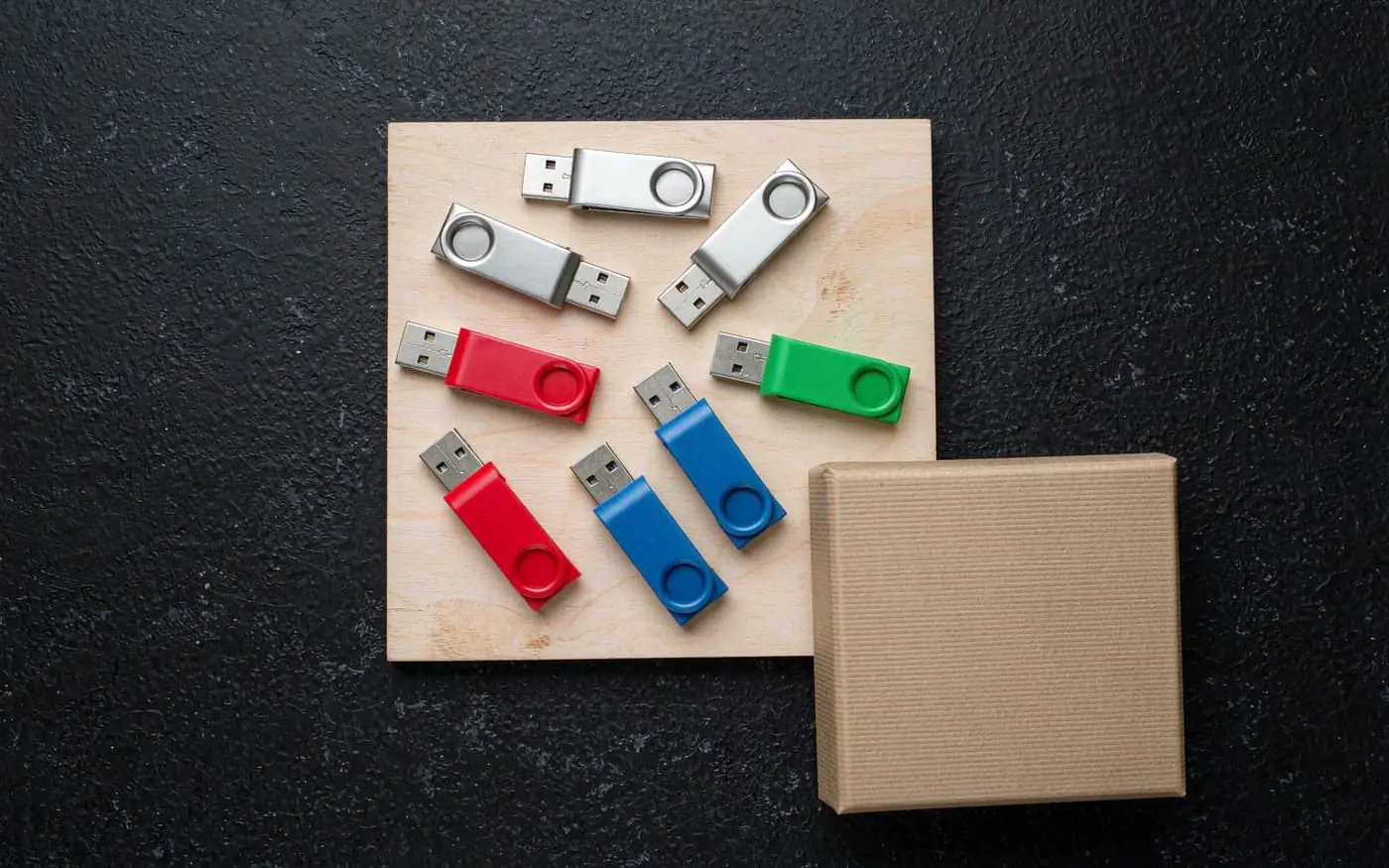
A giveaway card has one job: still look like your brand when someone finds it in a jacket pocket three weeks after the event. Almost every specification conversation skips that, because the printed proof looks perfect on a screen and nobody has rubbed a thumb across it.
The short answer
Four gates decide whether a giveaway batch is released. None of them is the one buyers usually ask about:
- Drop test on the packed unit, because the box travels in a bag.
- Content verification unit by unit, if anything is preloaded.
- A date check back-planned from the event, because the event does not move.
If you only ask one question, ask what the print is tested against. A supplier who says “we print on the label, it does not come off” has not tested it. One who answers with a method and a number has.
The four gates
| Gate | What is checked | Pass criterion | What it catches |
|---|---|---|---|
| 1. Print adhesion | Rubbed and abraded after the print has cured, then handled with dry and oily fingers | No legible loss of artwork; no edge lift | Ink that survives the proof but not a pocket |
| 2. Packed-unit drop | The finished unit dropped from hand height onto a hard floor, in its packaging | Card intact, packaging not split, card still readable | Thin boxes and blisters that open on impact |
| 3. Content verification | Every preloaded unit mounted and compared against the master image, file by file | Identical file list and checksums on every unit | A copy that failed silently on unit 300 |
| 4. Date check | Back-planned schedule from the event date: artwork, print proof, production, preload, packing, freight | All stages fit the event date with a buffer | A perfect batch that lands two days late |
Gate 3 is the one that costs a reprint, because it is discovered at the venue. Gate 1 is the one that costs the brand, because it is discovered later.
What to write into the specification
| Decision | The trap if you leave it vague | What goes on the purchase order |
|---|---|---|
| Capacity band | Buying 64 GB for a 400 MB preload, then paying for silicon nobody writes to | Capacity, justified by the content size |
| File system | Cards ship exFAT, the audience is on older Windows, half of them cannot open it | File system as shipped, and the devices it must work on |
| Print surface and method | Artwork designed for a USB body, shrunk to a card face, unreadable | Print surface, artwork size, and a physical proof before the run |
| Preload and verification | “We’ll copy the files” with no check, one bad unit in a hundred | Content, total size, checksum method, per-unit verification |
| Packaging | A plain poly bag at an event where everything else is branded | Packaging type, and whether the card or the box carries the brand |
| Date | Ordering from today forwards instead of from the event backwards | A dated schedule in the quotation, with the critical path named |
The date row is where most event orders actually fail. Freight does not compress because your event is on the 15th.
Five ways a giveaway card disappoints
The print rubs off in the bag. A card face is small, curved at the edges and handled more than any other part of the giveaway. Print that was never abrasion-tested looks fine in the box and worn in the pocket.
The box opens on impact. Thin card, a blister with a weak seal, a sleeve one millimetre too loose.
The preload is not on every unit. Copying 500 cards is a production step with a failure rate. Without per-unit verification, the failures are found by attendees.
Wrong file system for the audience. exFAT is the safe default because Windows, macOS and Linux all read it. FAT32 is more universal on very old devices but caps files at 4 GB. Pick one deliberately.
Late by two days. Every stage was fine on its own; nobody worked backwards from the date.
The date is a specification, not a hope
Back-plan from the event and write the stages into the quotation: artwork approval, physical print proof, production, preload and verification, packing, freight. Then check which stage is on the critical path. On a giveaway it is almost always the artwork proof. The artwork is the thing that keeps changing.
If the event date cannot survive those stages, the honest answer is a smaller customisation, not a compressed schedule.
What we supply
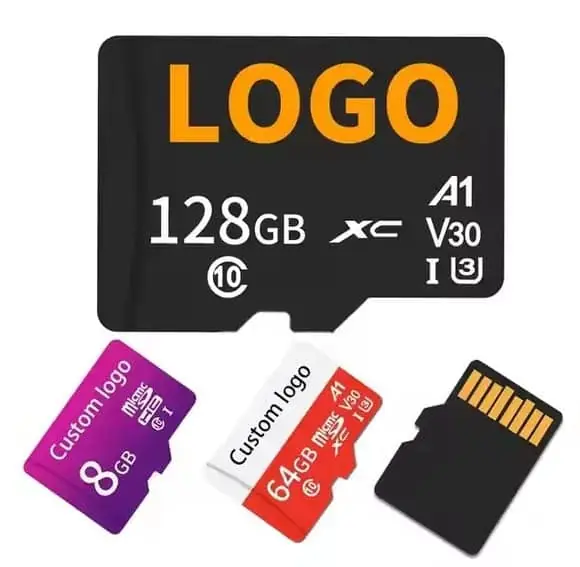
Printing and preload are production steps here, not services bolted on afterwards: cards are printed inside the run and verified before packing. Starting points are the custom memory card range for capacities and packing, the monitoring-grade card specification if the giveaway also has to work in a device, and the TF card specification template for the document to fill in.
MOQ is 50 pieces per design, so a 200-unit event order is a normal order rather than an exception. Artwork and approval run 1–7 days, production 3–15 working days, testing 1–5 working days, and transit 3–20 days depending on mode.
Where to go next
- Working back from a fixed delivery date — the method for gate 4.
- Preloading software on custom drives — how the preload step is scoped and verified.
- Artwork formats we accept — why a PNG costs a week.
- Variable data: a different name on every unit — when the giveaway is personalised.
- Gift box charges: what is free and what is not — the packaging line nobody quotes first.
Sources
- SD Association — Capacity and file system (SDHC/SDXC/SDUC) specifications
- SD Association — Application Performance Class (A1/A2)
- Microsoft — exFAT file system specification
- Apple Support — About file system formats and disk formatting
- Linux kernel documentation — exFAT driver (exfat)
- USB Implementers Forum — USB specifications and compliance
Frequently asked questions
What capacity should I buy for a conference giveaway?
For a branded giveaway the card is usually a keepsake or a delivery vehicle for a small preload pack, not long-term storage. Most event buyers land in the 8 GB–32 GB band because it keeps unit cost low and prints cleanly on the card and box. Anything above 32 GB moves you into SDXC territory and a different file system, which is worth it only if the preload content is genuinely large. Confirm the actual capacity band with your supplier against your content size before you commit.
Should the cards be preloaded with our content?
Preloading is the main reason to hand a card to an attendee — a blank card is a business card, a loaded card is a deliverable. Decide up front what goes on it (video, deck, demo build, license file), its total size, and whether it is identical on every unit or personalized per attendee. Variable per-unit content is a different production flow and should be specified in writing. See our article on preloading software on custom drives for how the process is scoped.
Can I put my logo on the card itself?
Yes, but the printable area on a microSD is small and the print method depends on the card's construction. Ask your supplier which surface can be printed, what the minimum legible artwork size is, and whether the print is on the card label or the adapter. Artwork that works on a USB body often does not survive being shrunk to a microSD face. Send print-ready vector artwork and ask for a physical proof.
What file system should the cards ship with?
exFAT is the safest default for a giveaway because it is read and written by Windows, macOS and Linux without extra drivers, and it handles large files. FAT32 is more universally readable on older devices but caps individual files at 4 GB. Format the cards to the file system your audience actually uses — if the giveaway is aimed at a specific device ecosystem, match it rather than defaulting.
How far in advance should I order for an event?
Work backwards from the event date, not forwards from today. Preload, print, packaging and freight each add time, and event freight has hard deadlines that a factory cannot compress. Ask for a dated production schedule in the quote and confirm which steps are on the critical path. Our article on working back from a fixed date covers the method.