
USB 3.0 is 10x faster than USB 2.0 in theory — but for most promotional and giveaway USB drives you will never notice. Here is when it matters and when it does not.
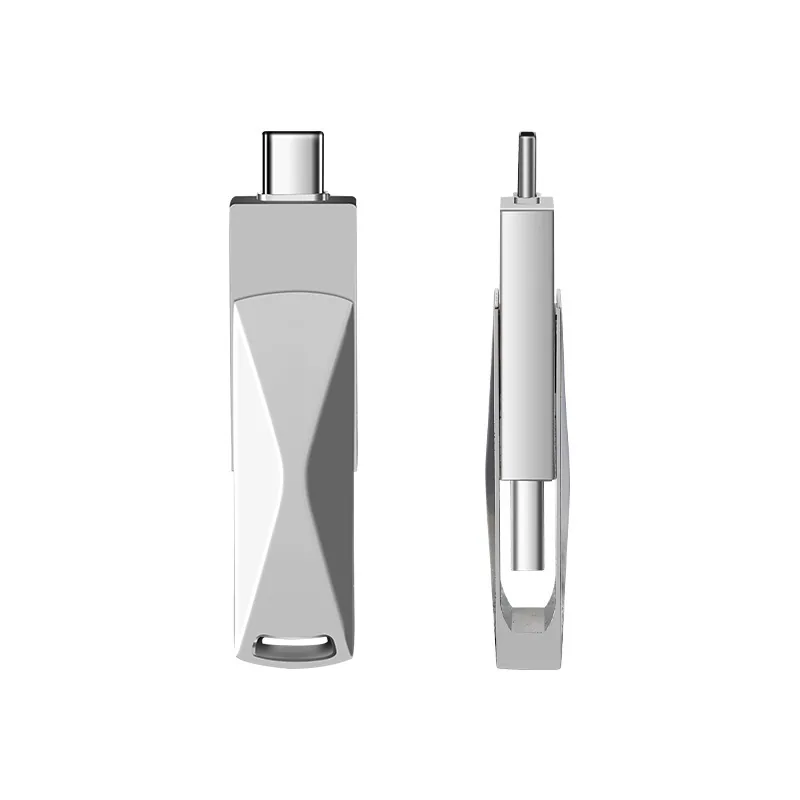
USB 3.0 has a theoretical maximum speed of 5 Gbps (about 500 MB/s), while USB 2.0 tops out at 480 Mbps (about 40 MB/s). In real use, a typical USB 3.0 flash drive reads at 80–120 MB/s and writes at 20–60 MB/s, while a USB 2.0 drive reads at 15–25 MB/s and writes at 5–15 MB/s. The difference matters most when transferring large files (video, large software) or when you are loading content onto hundreds of drives in production. For small files (PDFs, documents, photos) and for promotional giveaways, USB 2.0 is usually fine and costs about 20–40% less. WINTEL supplies this from its own plant in Shenzhen, China.
The short answer: USB 3.0 is about 3–5x faster in real use, and costs 20–40% more. Whether you need it depends entirely on what you are putting on the drive.
Customers ask me “do I need 3.0?” about half the time, and the honest answer is usually “only if you move big files often” — not the default yes most shops push.
Everyone has seen the marketing: “10x faster than USB 2.0!” What they do not say is that 10x is the theoretical maximum of the interface, not the speed you actually get with a flash drive. And even when it is faster, you may not notice.
This page covers the real numbers, what it feels like in practice, and how to decide whether the upgrade is worth paying for.
Real speeds, not marketing speeds
The “5 Gbps” number on the package is the bandwidth of the USB 3.0 interface. No flash drive actually hits that, because the NAND chip itself is the bottleneck, not the cable.
Here is what you actually get with a typical mid-range drive:
| Measurement | USB 2.0 (typical) | USB 3.0 (typical) | Ratio |
|---|---|---|---|
| Sequential read | 15–25 MB/s | 80–120 MB/s | 5–6x faster |
| Sequential write | 5–15 MB/s | 20–60 MB/s | 3–5x faster |
| Random read | 5–10 MB/s | 20–35 MB/s | 3–4x faster |
| Random write | 1–3 MB/s | 5–15 MB/s | 4–6x faster |
The write speed is the number that matters most for most people — because that is what you experience when you copy files onto the drive. Read is faster on both, because reading from NAND is always faster than writing.
What it feels like with real files
Numbers on a page do not tell you much. Here is how long it takes to copy common files.
| File | Size | USB 2.0 time | USB 3.0 time |
|---|---|---|---|
| PDF catalogue (100 pages) | 5 MB | 0.5 sec | 0.1 sec |
| 50 photos | 250 MB | 25 sec | 5 sec |
| 10-minute HD video | 1 GB | 2 min | 20 sec |
| Full software installer | 8 GB | 18 min | 3 min |
| Feature-length 4K movie | 20 GB | 44 min | 7 min |
For small files (PDFs, Word docs, a few photos), the difference is “instant” vs “also basically instant.” You will not notice.
For a 1 GB video, you will notice — 2 minutes vs 20 seconds is a real difference. But most people do not stand there watching the progress bar. They copy and walk away.
For files above 5 GB, USB 3.0 is a clear upgrade. If your content is that large, it is worth the extra cost.
When USB 3.0 is worth it
Get USB 3.0 if:
- You are distributing large software (installers over 2 GB)
- The drive contains video longer than 10 minutes
- Users will be copying large files off the drive regularly
- You are preloading content ourselves and need faster production turnaround
- It is a premium gift where “fast USB 3.0” sounds like a feature
- The device it plugs into only has USB-C (most modern USB-C drives are 3.0 anyway)
Stick with USB 2.0 if:
- It is a promotional giveaway with documents and photos
- Most recipients will look at the content once and then put the drive in a drawer
- Cost per unit is the main priority
- The content is under 500 MB total
For 80% of promotional orders, USB 2.0 is the right choice. The drive gets used once or twice, nobody benchmarks the speed, and you save 20–40% on the unit cost.
Where people get confused
Myth: USB 3.0 means the drive is “better quality.”
No. USB version is about the interface speed, not about build quality, NAND grade, or reliability. A USB 2.0 drive with original-grade NAND and 100% testing is a better product than a USB 3.0 drive with downgraded chips and sample testing.
Myth: USB 3.0 is always blue inside.
Most manufacturers use blue plastic for USB 3.0, but it is not a standard. Some use red, black, or clear. The colour tells you nothing — the specification sheet does.
Myth: USB 3.0 drives break faster.
There is no inherent reliability difference. Both versions use the same NAND chips and the same assembly process. The controller is different, but failure rates are similar.
One thing that does change with USB 3.0 — production turnaround
This is the hidden benefit that most people never think about.
When we preload content onto drives in the factory, the time it takes scales with the write speed. If you have 500 drives and 4 GB of content each:
- USB 2.0 at 8 MB/s write: about 8 minutes per drive × 500 = ~67 hours of total loading time
- USB 3.0 at 40 MB/s write: about 1.5 minutes per drive × 500 = ~13 hours
That is 50+ hours of difference in production. If your order is time-sensitive, USB 3.0 can actually shorten the lead time — not just make the drive faster for the end user.
Quick decision
Ask yourself this: will the recipient copy more than 1 GB onto or off of the drive, more than once?
- Yes → USB 3.0 is worth it
- No → Save your money and get USB 2.0
Still not sure? Tell me what goes on the drive and who gets it and I will tell you flat out which version to buy — and which one would be a waste of money.
I will not upsell you to 3.0 for a document handout. The port you plug into decides the speed, not the drive alone, and I would rather say that than invoice you for silicon you will never use.
Frequently asked questions
Is USB 3.0 always faster than USB 2.0?
Only if both the drive and the port are USB 3.0. If you plug a USB 3.0 drive into a USB 2.0 port, it runs at USB 2.0 speed. And vice versa.
Can I tell the difference just by looking?
USB 3.0 connectors usually have a blue plastic insert inside the plug. USB 2.0 is usually black, white or clear. But this is not a rule — some manufacturers use other colours.
Is USB 3.0 backwards compatible?
Yes. A USB 3.0 drive works in a USB 2.0 port, and a USB 2.0 drive works in a USB 3.0 port. It just runs at the slower speed in both cases.
How much more does USB 3.0 cost?
Typically 20–40% more than the same body in USB 2.0. The NAND and controller are both more expensive for USB 3.0.
Do I need USB 3.0 for promotional giveaways?
Probably not. If the drive contains documents, photos, and short videos, most people will not notice the speed difference. Spend the extra money on a bigger capacity instead.